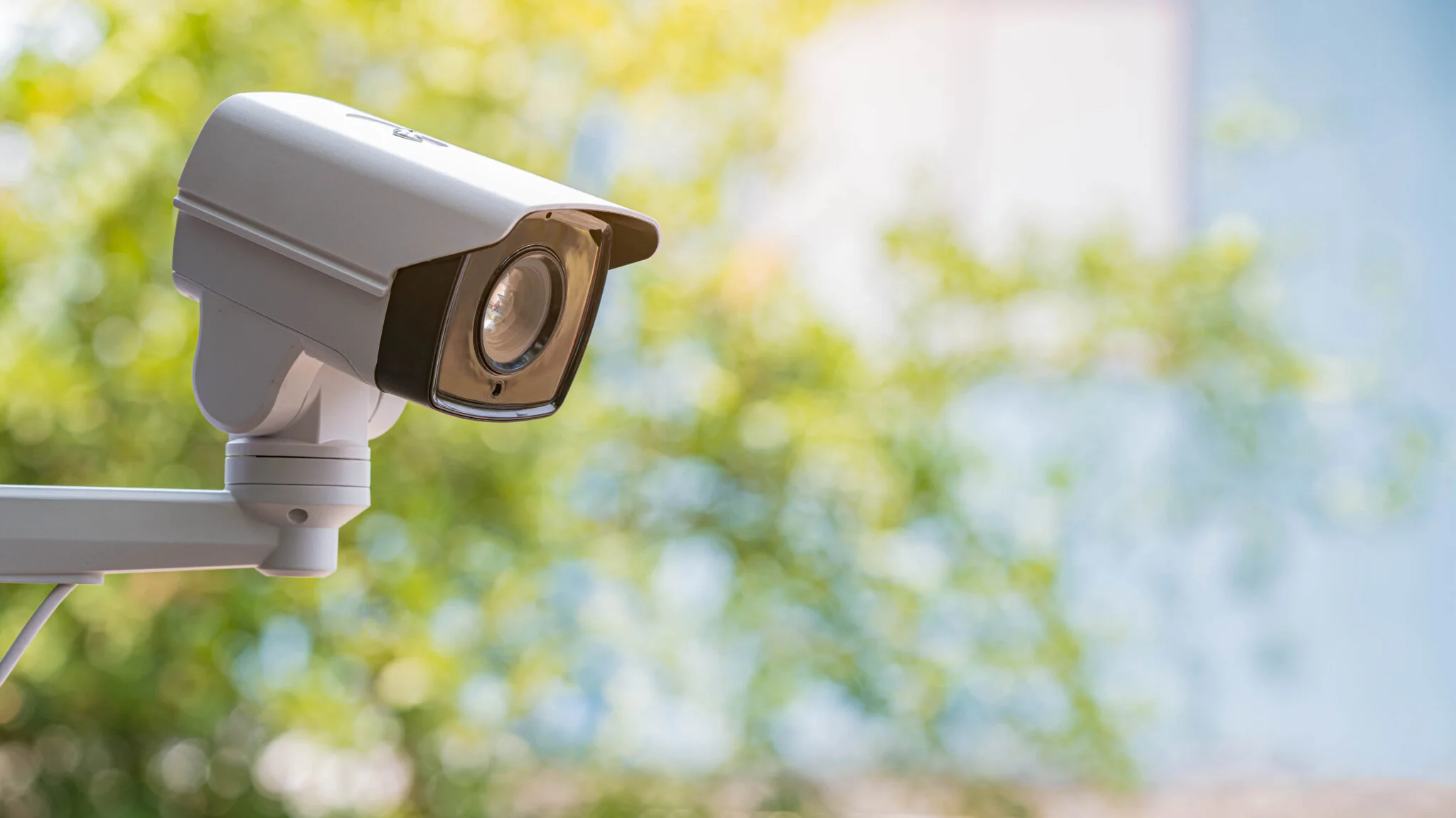
Choosing a security camera shouldn't come down to whichever one has the flashiest ad. In this guide we walk through the decisions that actually determine whether a camera will serve you well or leave you disappointed: placement, storage, resolution, and night vision.
Indoor vs. outdoor cameras: not the same thing
A cheap indoor camera placed outdoors usually fails within weeks due to moisture or temperature swings. Before buying, define exactly where each camera will go:
- Indoor: prioritize a wide field of view (130°+ is ideal) and person detection (to avoid false alerts from pets or curtains moving).
- Outdoor: require a real weatherproof rating (look for IP65 or higher), strong color or infrared night vision, and ideally wired power — battery-powered outdoor cameras need frequent recharging if they capture a lot of motion.
Storage: cloud vs. local card
| Criteria | Cloud | SD card / local |
|---|---|---|
| Cost | Monthly subscription (~$3-15/mo) | One-time card purchase |
| Footage safety | Safe even if the camera is stolen | Lost if the camera is stolen or destroyed |
| Remote access to history | Yes, from anywhere | Limited or none without the connected app |
| Privacy | Data passes through the manufacturer's servers | Data stays in your home |
Wired vs. battery-powered cameras
This decision affects both installation difficulty and long-term reliability:
- Wired (power adapter or existing doorbell wiring): continuous power means continuous recording — no risk of missing an event because the battery died overnight. Installation is more involved, sometimes requiring an electrician for outdoor locations without existing wiring.
- Battery-powered: installs anywhere in minutes with no wiring, which makes it ideal for renters. The tradeoff is a recharge cycle — typically every 1-3 months depending on how much motion the camera detects — and a brief gap in coverage while it's off the wall charging.
- Solar-assisted: a solar panel accessory can extend battery life significantly in sunny climates, though it adds cost and depends on the camera getting consistent direct sunlight.
How many cameras does your home actually need
It's easy to either under-cover your home or overspend on more cameras than you'll ever review. As a starting point:
- Apartment or condo: one camera covering the front door/main entry is often enough, plus an indoor camera if you have a balcony or secondary access point.
- Single-story house: front door, back door, and one wide-angle camera covering the driveway or side yard — typically 3-4 cameras total.
- Multi-story house: add coverage for any ground-floor windows facing away from the street, since they're the least visible entry points to neighbors and passersby.
- Detached garage or shed: a separate camera here is worth it if you store tools, bikes, or a second vehicle — these are common targets that a house-facing camera won't catch.
A good rule of thumb: prioritize every ground-floor entry point first, then add wide-angle coverage of approach paths (driveway, main walkway) before considering "nice to have" spots like a backyard fence line.
Which specs actually matter
Resolution
1080p is a reasonable minimum today. For wide outdoor areas, 2K or 4K lets you digitally zoom into a recording and still make out details (a license plate, a face).
Night vision
Color night vision (with its own auxiliary light) identifies subjects better than black-and-white infrared, though it uses somewhat more battery on wireless models.
Smart detection
Person/vehicle detection (vs. "any motion") drastically cuts down on useless notifications triggered by trees, shadows, or pets.
Two-way audio
Lets you speak through the camera — useful both for receiving packages and for deterring an intruder in real time.
Privacy considerations for indoor cameras
Indoor cameras raise legitimate privacy questions, both for you and for anyone else in your home. A few things worth doing before you install one:
- Avoid pointing indoor cameras at bedrooms or bathrooms, even your own — footage stored in the cloud is still data that could theoretically be exposed in a breach.
- If you have a shared household (roommates, in-laws, guests), let them know a camera is in use and where — in many places this is also a legal requirement, not just a courtesy.
- Check whether the camera has a physical privacy shutter or a software "off" mode you can trust is actually disabling the lens, not just muting notifications.
- Use a unique, strong password and enable two-factor authentication on the camera's app account — compromised camera accounts are one of the more common smart-home privacy incidents.
Common mistakes when buying a camera
- Not checking the blind spot. A single camera almost never covers an entire façade; map out the field of view before you buy.
- Ignoring the long-term subscription cost. A "cheap" camera with a mandatory subscription can end up costing more over two years than a premium model with no fee.
- Pointing it into backlight. Aiming a camera toward a window or the sun ruins image quality for most of the day.
- Not reviewing the manufacturer's privacy policy. Some brands share metadata with third parties; check the policy before installing cameras inside your home.
Frequently asked questions
Is cloud storage or local storage (SD card) better for security cameras?
Cloud storage protects your footage even if the camera is stolen or damaged, but it usually requires a monthly subscription. Local storage is free after purchase, but if the physical camera is stolen you can lose the recording along with it.
How much resolution do I actually need in a security camera?
1080p is enough to identify faces at short-to-medium range. 2K or 4K provides more useful detail, especially for outdoor cameras covering wide areas like a driveway or a large yard.
Do security cameras work without an internet connection?
Most smart cameras need wifi to send notifications and record to the cloud. Some record to a local SD card even without internet, but you won't be able to view the live feed from your phone until the connection is restored.