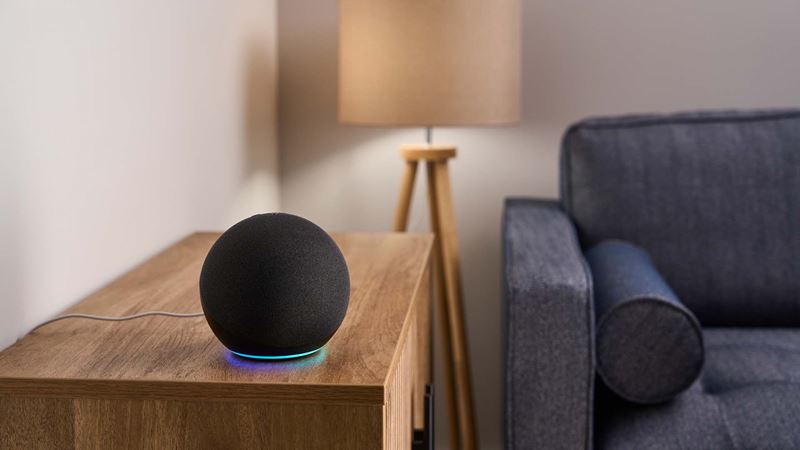
Voice control is one of the more genuinely useful smart home features once it's set up correctly — but it also introduces a real question most people skip past: what stops anyone standing near your door from giving your house a voice command? This guide covers what's actually worth connecting to Alexa or Google Home, and the one setting that keeps voice control from becoming a security hole.
What voice assistants can (and can't) safely control
Arming and disarming an alarm, checking a camera feed, turning on lights, and locking a door are all commonly supported. Unlocking a door by voice is supported too, but it's the one command that genuinely needs a safeguard, since a voice command through a window or a smart speaker near an entryway could otherwise be triggered by someone who isn't you.
Alexa vs. Google Home: security-specific differences
Functionally, the two are closer than most comparisons suggest — both support arming/disarming compatible alarm systems, checking cameras and doorbells (see our video doorbell guide), and locking/unlocking smart locks with a PIN requirement. The practical difference usually comes down to which specific brand of camera, lock, or alarm system you already own or are planning to buy, since official support varies device by device rather than assistant by assistant.
| Device type | Works with Alexa | Works with Google Home | Voice PIN available |
|---|---|---|---|
| Smart locks (most major brands) | Yes | Yes | Yes, must be enabled |
| Video doorbells | Yes (view + announce) | Yes (view + announce) | N/A |
| Security cameras | Yes (most brands) | Yes (most brands) | N/A |
| Monitored alarm panels | Brand-dependent | Brand-dependent | Yes, for arm/disarm |
Setting up voice PIN codes
Both Alexa and Google Home let you require a spoken numeric PIN before a voice command will unlock a door or disarm an alarm. This is typically found under the smart lock or security device's settings within the Alexa or Google Home app, not the lock manufacturer's own app. Because this setting is not always on by default, we recommend checking it immediately after connecting any lock or alarm — treat it as a required step, not an optional one.
Which devices integrate best
As a general pattern, devices that are WiFi-native tend to have the smoothest integration, since they talk to the assistant directly. Devices on Zigbee or Z-Wave protocols need a compatible hub in between — our smart home hub comparison breaks down which protocol makes sense if you're starting from scratch versus adding voice control to an existing setup like the one covered in our smart locks guide.
Frequently asked questions
Can someone unlock my smart lock just by shouting through a window?
Not if you've set it up correctly. Both Alexa and Google Home require a voice PIN code (a spoken numeric code) before unlocking a door by voice — this setting is off by default on some integrations, so it needs to be turned on manually the first time you connect a smart lock.
Which is safer for security, Alexa or Google Home?
Both support voice PIN requirements for locks and have similar underlying security models. The bigger factor is usually which ecosystem your specific devices (cameras, locks, sensors) officially support, since not every device brand integrates equally well with both.
Do I need a hub, or does WiFi-only work with voice assistants?
Most WiFi-only smart security devices connect directly to Alexa or Google Home without a separate hub. A hub becomes necessary mainly for Zigbee or Z-Wave devices, which don't have their own WiFi radio — see our smart home hub comparison for the difference.